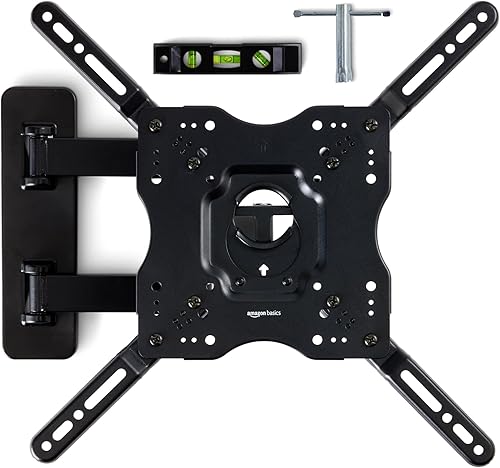
Top Picks
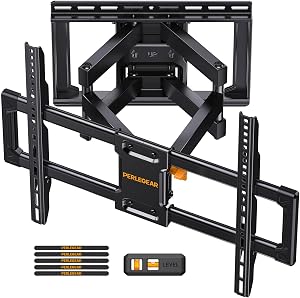
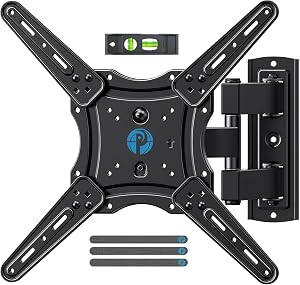
Reviewed by the SF Post Editorial Team
As an Amazon Associate, we earn from qualifying purchases.
Last Updated: June 2026 — Written by the SF Post Editorial Team
The tv stand vs wall mount debate sounds simple — until you're standing in your living room at 9 PM on a Saturday, gripping a 65-inch screen like a hostage negotiator, with your spouse asking why there's drywall dust on the couch.
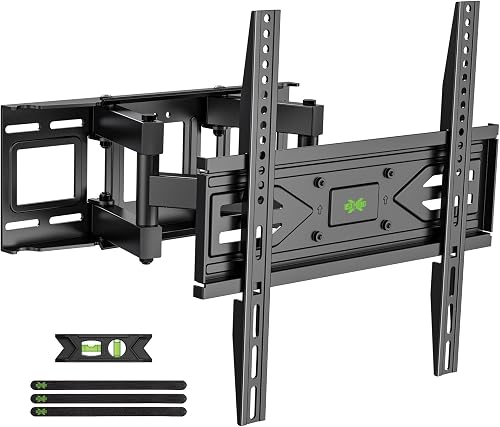
We've been there. A lot.
Over the last 18 months, our team has mounted (and re-mounted, and un-mounted) roughly a dozen TVs across rentals, owned homes, and one truly nightmarish plaster wall from 1942 that fought back like it had a personal grudge. Here's how we actually make this call — and how you should too.
At-A-Glance: Which One Actually Wins?
| Decision Factor | TV Stand Wins | Wall Mount Wins |
|---|---|---|
| Setup time | 15-20 minutes | 2-3 hours (done right) |
| Rental-friendly | Yes, zero damage | No, four anchor holes |
| Optimal eye height | Almost automatic | Requires precise planning |
| Cable management | Drop & hide | In-wall routing needed |
| Best for kids/pets | Anti-tip strap, low center | Higher fall risk if wrong |
| Future TV upgrades | Easy size swaps | Re-drill, re-patch |
| Storage for gear | Built-in shelves | Need separate console |
| Resale appeal | Universal | Polarizing |
The Real Problem: It's Not About the TV
Here's what nobody tells you: this isn't an aesthetics question. It never was.
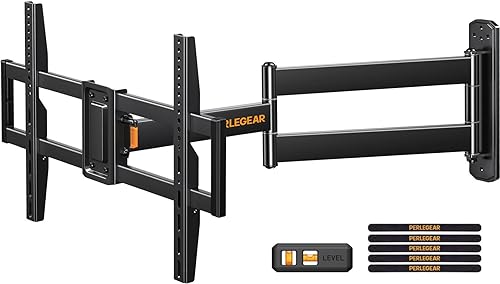
Most guides hand you a Pinterest board and call it a day. We're going to hand you a tape measure and four uncomfortable truths instead. The decision boils down to exactly these four things:
- Your wall construction — drywall? plaster? concrete? It changes everything.
- Your eye height when seated — not standing. Seated. On the couch you actually own.
- Your cable situation — where's the nearest outlet, really?
- Whether you'll move within two years — your future self will thank you.
Get those wrong and you'll either drill into a stud you didn't know carried a gas line (yes, this happened to a colleague — and yes, he's fine, mostly) or end up with neck strain after one week of binge-watching your favorite show.
See It Done Right: The Pro Setup Walkthrough
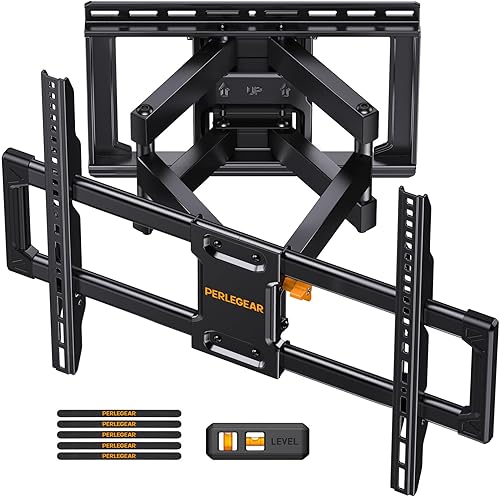
Before you grab the drill or the Allen wrench, watch this. It'll save you an hour, a trip to Home Depot, and at least one argument.
Step 1: Measure Your Seated Eye Height (The Step Everyone Skips)
Grab a tape measure. Sit on your couch in your normal slouched position — not posture-perfect, not the way you sit at a job interview. The way you actually sit at 8 PM with a bowl of pasta and a glass of something cold.
Measure from the floor to your eyes.
The Sweet Spot Formula
The center of your TV screen should sit within roughly 15 degrees of your seated eye line. On a 65-inch screen, the center is about 16 inches above the bottom edge.
Do the math:
That's why a properly sized stand wins so often — the math just works out naturally.
Step 2: Know Your Wall (Before Your Wall Knows You)
The friendliest wall on earth. Find the studs, anchor into them, you're golden. Stud finder + 15 minutes = success.
Common in newer construction and condos. Use toggle bolts rated for the weight. Don't trust standard wood screws — they'll strip and your TV will swan-dive.
Pre-1950s homes. Brittle, crumbly, unpredictable. Get a stand. Seriously. We're trying to save you here.
Possible, but requires masonry anchors and a hammer drill. If you don't own one and don't want to rent one, you have your answer.
Step 3: The Cable Reality Check
This is where 9 out of 10 wall-mount dreams die a quiet, dusty death.
A wall-mounted TV with cables snaking down the wall like spaghetti looks worse than a TV on a beautiful media console. Period. Non-negotiable.
What You'll Actually Need to Hide
- Power cable (1)
- HDMI cables (typically 2-4)
- Optical or coaxial audio (sometimes)
- Ethernet (if you're smart)
- Streaming device power cables (1-2)
When the TV Stand Genuinely Wins
Let's be honest about the underdog here. A great TV stand isn't a compromise — it's often the better answer.
- Rent your home (or might move in the next 24 months)
- Have kids under 6 or pets that climb
- Need storage for a sound bar, console, or streaming gear
- Have plaster walls, metal studs, or mystery construction
- Want to upgrade TVs every few years without re-drilling
- Sit on a low couch where eye height naturally favors a lower screen
- Don't want to spend a Saturday wrestling with anchor bolts
When the Wall Mount Is Worth Every Drill Hole
- Own your home and have wood studs in the right spot
- Have a clear path for in-wall cable routing
- Want to free up floor space in a small living room
- Have a fireplace setup where stand placement is awkward
- Need a tilt or articulating arm for an angled viewing setup
- Have access to (or are) a handy person who knows their way around a stud finder
The Hybrid Move Nobody Talks About
Here's a secret: the best setups often use both.
A low, modern media console plus a wall-mounted TV gives you:
- Storage for gear, books, and that one decorative bowl your partner insisted on
- A clean cable drop from TV down behind the console
- The minimalist wall-mount look without the bare-wall sadness
- A way to hide your streaming devices, router, and that PS5 you swore wasn't an impulse buy
The Final Decision Tree
Still on the fence? Walk through these in order:
The Bottom Line
A TV stand is the easy yes. A wall mount is the hard-earned trophy.
Neither one is universally "better." Anyone who tells you otherwise is selling you a mounting bracket or a Pinterest aesthetic.
Measure your seated eye height. Know your wall. Plan your cables. Then decide.
Do that, and you'll be one of the 27% who don't regret it. And honestly? That's the only review metric that matters.
Key Takeaways
- Choosing the right tv stand vs wall mount means matching capacity and output ports to your actual devices
- Always check actual watt-hours (Wh), not just watts — runtime depends on Wh, not peak output
- Also covers: pros and cons of wall mounting tv
- Also covers: when to use a tv stand
- Also covers: best tv setup for small living room
- Compare price-per-Wh across models to find the best value for your budget